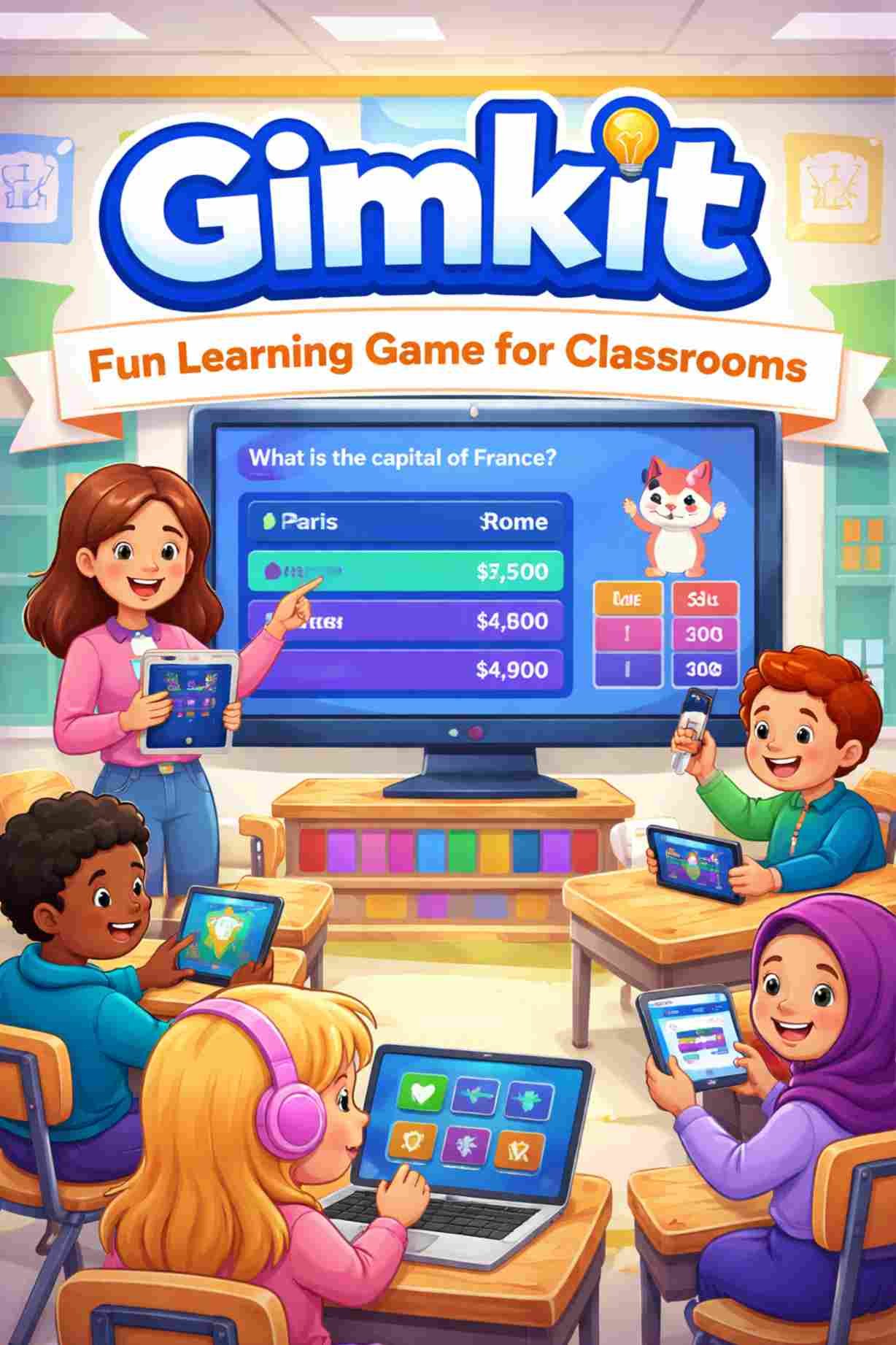
Technology is now a big part of learning in schools. But many students get bored with normal quizzes and worksheets. This is where Gimkit helps. Gimkit is an online learning game that makes studying fun. Students answer questions, earn game money, and use that money to buy upgrades inside the game. This makes learning feel more like playing a game.
In this article, you will learn what Gimkit is, how it works, its main features, pricing, benefits, pros and cons, and how it compares to other classroom game tools.
What Is Gimkit?
Gimkit is a website that teachers use to create quiz games for students. The quiz questions are called kits. Students play games using these kits in class or at home. When students answer questions correctly, they earn virtual money. They can use this money to get power-ups and upgrades that help them score more points.
Gimkit Is Used For:
-
Reviewing lessons
-
Practicing before tests
-
Warm-up activities
-
Homework and self-study
-
Online and classroom learning
How Gimkit Works
Gimkit is easy to use. Both teachers and students can learn it quickly.
Steps to Use Gimkit
-
The teacher creates or chooses a set of questions (kit).
-
The teacher starts a game or gives it as homework.
-
Students join using a game code or link.
-
Students answer questions on their devices.
-
Correct answers give students game money.
-
Students use the money to buy upgrades.
Simple Game Flow
| Step | What Happens |
|---|---|
| 1 | Student answers a question |
| 2 | Correct answer gives game money |
| 3 | Student buys upgrades |
| 4 | Upgrades help earn more money |
| 5 | The game continues |
Main Features of Gimkit
Gimkit has many features that help teachers and students.
Key Features (List)
-
Live games in class
-
Homework mode (play anytime)
-
Different game modes
-
Game money and power-ups
-
Students can write questions
-
Easy question creation
-
Teacher reports and results
-
Works on phones, tablets, and computers
Read also: Cricfooty
Features Table
| Feature | What It Does | Why It Helps |
|---|---|---|
| Live Games | Students play together in real time | Makes class fun |
| Homework Mode | Students play on their own time | Good for practice |
| Game Modes | Different styles of play | Stops boredom |
| Power-Ups | Special boosts in the game | Adds fun and strategy |
| Student Questions | Students help write questions | Helps learning |
| Reports | Shows student results | Helps teachers see progress |
Game Modes in Gimkit
Gimkit has many types of games. Each game mode changes how the game feels.
Types of Game Modes
-
Single player modes
-
Team modes
-
Map or story-style modes
-
Special event modes
Why Game Modes Are Useful
| Reason | Why It Matters |
|---|---|
| Variety | Students do not get bored |
| Teamwork | Students learn to work together |
| Fun | Different games feel fresh |
| Choice | Teachers can pick what fits the lesson |
How to Start Using Gimkit
For Teachers
Teachers can start by doing these steps:
-
Sign up for a free account
-
Create or import questions
-
Pick a game mode
-
Start a live game or give homework
-
Check student results
For Students
Students only need:
-
A device with internet
-
A game code or link from the teacher
-
A name or nickname
Gimkit Pricing and Plans
Gimkit has free and paid plans.
Pricing Table
| Plan | What You Get | Best For |
|---|---|---|
| Free | Basic features | Small or rare use |
| Paid Plan | More game modes and tools | Regular classroom use |
| School Plan | Plans for many teachers | Whole schools |
Is the Paid Plan Worth It?
The paid plan may be worth it if:
-
You use Gimkit often
-
You want more game choices
-
You want more control over homework and reports
Benefits of Using Gimkit
Gimkit helps learning in many ways.
Benefits (List)
-
Makes learning fun
-
Helps students stay focused
-
Encourages active learning
-
Helps teachers check understanding
-
Works in class and at home
-
Fits many subjects
Benefits Table
| Area | How Gimkit Helps |
|---|---|
| Engagement | Students join in more |
| Learning | Students practice more |
| Motivation | Games make students try harder |
| Assessment | Teachers see what students know |
| Flexibility | Works in school and at home |
Pros and Cons of Gimkit
Pros
-
Fun and exciting for students
-
Easy to use
-
Many game styles
-
Works on many devices
-
Good for review and practice
Cons
-
Free version has limits
-
Some students focus more on the game than learning
-
Needs internet to work
-
Not a full learning system
Pros and Cons Table
| Pros | Cons |
|---|---|
| Very engaging | Free plan is limited |
| Easy setup | Needs internet |
| Many game modes | Can be too competitive |
| Works on devices | Not for full courses |
Gimkit vs Other Learning Games
Gimkit is often compared with Kahoot, Quizizz, and Blooket.
Comparison Table
| Feature | Gimkit | Kahoot | Quizizz | Blooket |
|---|---|---|---|---|
| Game Style | Strategy-based | Fast quiz | Quiz practice | Arcade-style |
| Live Play | Yes | Yes | Yes | Yes |
| Homework | Yes | Limited | Yes | Yes |
| Game Variety | High | Medium | Medium | High |
| Strategy | High | Low | Low | Medium |
When to Choose Gimkit
Choose Gimkit if you want:
-
Longer and more engaging games
-
More strategy in learning
-
A mix of fun and practice
-
Flexible classroom use
Tips for Teachers
Best Practices (List)
-
Set clear learning goals
-
Use team modes for shy students
-
Change game modes often
-
Talk about answers after the game
-
Remind students to focus on learning
Classroom Tips Table
| Problem | Simple Fix |
|---|---|
| Too much competition | Use team games |
| Random guessing | Pause and discuss answers |
| Students get bored | Change game modes |
| Off-task behavior | Set clear rules |
Common Questions (FAQs)
Is Gimkit free?
Yes, there is a free plan with limits.
Do students need accounts?
No, they can join with a game code.
Can students use phones?
Yes, Gimkit works on most devices.
Can Gimkit be used for homework?
Yes, teachers can assign games for home use.
Is Gimkit safe for students?
Yes, it is made for school use.
Final Thoughts
Gimkit is a fun and useful learning tool for schools. It helps turn normal quizzes into games that students enjoy. By using game money, power-ups, and different game modes, students stay active and interested in learning. While it should not replace real teaching, Gimkit works very well as a learning support tool for practice, review, and simple tests.
When teachers use Gimkit with clear goals and good classroom rules, it can make learning more fun, more active, and more effective for many students.
