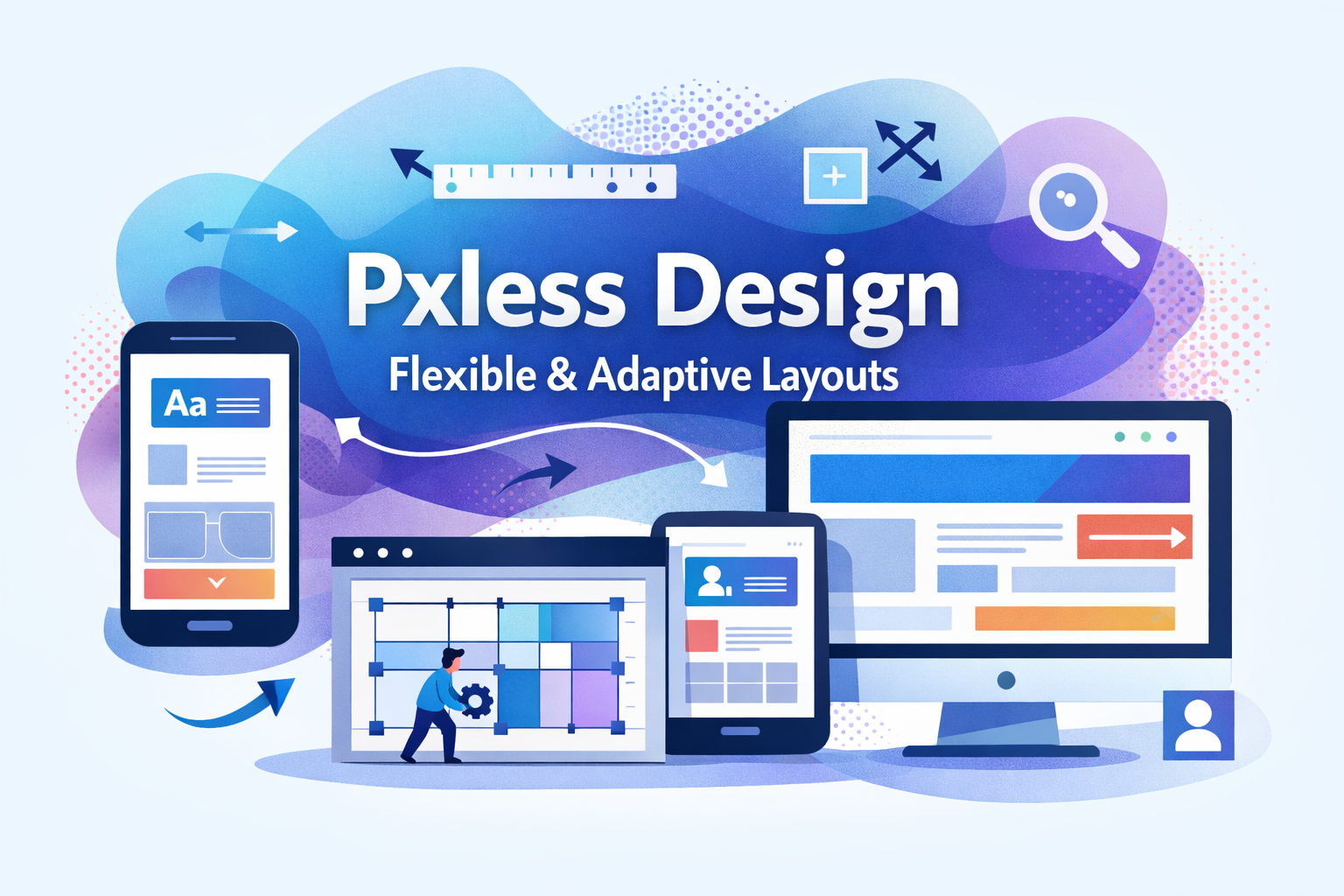
Pxless design is a modern way of thinking about how digital interfaces are built. It focuses on flexibility, readability, and ease of use across all screen sizes and devices. Instead of relying on fixed measurements, Pxless design allows layouts and content to adjust naturally based on context.
This article explains Pxless design in simple and clear language. It avoids technical complexity and focuses on understanding the idea, the benefits, and how it is used in real projects Instablu
What Is Pxless Design?
Pxless design is a design approach that reduces the use of fixed sizes in digital layouts. Traditional design often locks elements into strict dimensions. Pxless design avoids that rigidity and allows elements to grow, shrink, and adjust as needed. Pxless does not mean removing structure or order. It means designing in a way that responds better to different screens, user settings, and content needs, the main goal of Pxless design is adaptability.
Why Pxless Design Exists
Digital products are no longer used in one predictable way. People view websites and apps on many types of screens and in many environments.
Pxless design exists because:
-
Screens come in many sizes
-
Users change text size and zoom levels
-
Accessibility needs are more important than ever
-
Fixed layouts often break in real-world use
Pxless design helps solve these problems by allowing designs to adjust instead of breaking.
The Problem With Fixed Designs
Fixed designs can look perfect in one situation and fail in another.
Common Issues With Fixed Layouts
-
Text becomes too small or too large
-
Content overflows or gets cut off
-
Layouts break when users zoom
-
Interfaces feel cramped on small screens
-
Designs need constant updates for new devices
These problems are not caused by bad designers. They are caused by rigid systems that do not match how people actually use technology.
The Core Idea Behind Pxless
The core idea of Pxless design is flexibility, instead of forcing content into exact shapes, Pxless design allows content to decide how much space it needs, this creates designs that feel more natural and user-friendly.
Pxless as a Design Mindset
Pxless is not just a technical choice. It is a way of thinking.
Traditional Design Thinking
-
“This must be exactly this size”
-
“It should look the same everywhere”
-
“Users should not change it”
Pxless Design Thinking
-
“This should adapt to its space”
-
“It should work well everywhere”
-
“Users can adjust it freely”
This shift in thinking leads to better long-term results.
How Pxless Design Improves User Experience
Pxless design focuses on the user instead of the screen.
Better Readability
Text remains comfortable to read even when users change settings.
Better Interaction
Buttons and controls stay usable across devices.
Better Comfort
Users do not feel forced into one viewing experience.
Pxless and Accessibility
Accessibility means making digital products usable for everyone.
Pxless design supports accessibility by default.
Accessibility Benefits of Pxless Design
-
Text adjusts without breaking layouts
-
Interfaces work better with zoom
-
Content remains clear and readable
-
Layouts support assistive technologies
Instead of adding accessibility later, Px less design builds it in from the start.
Px less and Content
Content is the most important part of any digital product.
Px less design lets content guide layout decisions.
Content-First Design
-
Text is never trapped in small boxes
-
Images adapt to available space
-
Sections grow as needed
-
Layouts adjust to real content, not placeholder content
This makes designs more realistic and easier to maintain.
Px less Layout Behavior
Px less layouts behave differently from rigid layouts.
How Px less Layouts Act
-
They stretch when space is available
-
They compress when space is limited
-
They reflow naturally
-
They avoid hard breakpoints when possible
This creates smoother experiences across different environments.
Px less and Modern Interfaces
Most modern interfaces already move toward P xless ideas, even if they do not use the name.
Where Px less Is Commonly Used
-
Web applications
-
Mobile apps
-
Dashboards
-
Content platforms
-
Design systems
Px less design works well wherever content and interaction matter.
Px less Design Systems
A design system is a shared set of rules and patterns.
Px less design systems are easier to scale and maintain.
Benefits of Px less Design Systems
-
Fewer layout bugs
-
Easier updates
-
More consistent results
-
Better teamwork between designers and developers
Instead of adjusting hundreds of fixed values, teams adjust a flexible system.
Px less and Maintenance
Maintenance is often ignored during design, but it matters.
Problems With Fixed Systems
-
Small changes require many edits
-
New devices require redesigns
-
Old layouts become outdated quickly
Px less Maintenance Advantages
-
One change can improve many areas
-
Designs age more gracefully
-
Systems adapt instead of breaking
This saves time and effort over the long term.
Common Myths About Px less Design
Many people misunderstand Px less design.
Px less Means No Control
Px less design still has structure. It simply allows flexibility within that structure.
Px less Is Too Complex
Px less design can actually be simpler because it reduces edge cases and special rules.
Px less Looks Random
Well-designed Px less systems look clean, consistent, and intentional.
Px less vs Rigid Design
The difference between Px less and rigid design is not about style. It is about behavior.
| Aspect | Rigid Design | Px less Design |
|---|---|---|
| Flexibility | Low | High |
| Accessibility | Limited | Strong |
| Maintenance | Difficult | Easier |
| User Control | Restricted | Supported |
| Long-Term Use | Fragile | Durable |
When Px less Design Is Most Useful
Px less design works best in situations where adaptability matters.
Ideal Use Cases
-
Content-heavy platforms
-
Products used on many devices
-
Interfaces with long-term growth
-
Products with accessibility goals
In these cases, Px less design provides clear benefits.
When Px less Design May Not Be Needed
Px less design is powerful, but it is not mandatory everywhere.
Less Suitable Situations
-
Very simple static visuals
-
Highly controlled visual art
-
Projects with no user interaction
Even in these cases, Px less ideas can still be partially useful.
How Teams Adopt Px less Design
Adopting Px less design is usually gradual.
Common Adoption Steps
-
Start thinking in flexible terms
-
Let content guide layout choices
-
Remove unnecessary fixed limits
-
Test designs in real conditions
-
Improve systems over time
Teams do not need to change everything at once.
Px less Testing and Quality
Testing is important for Px less design.
What to Test
-
Different screen sizes
-
Zoom levels
-
User preference changes
-
Long and short content
-
Real data instead of placeholders
Good testing ensures Px less designs work as intended.
Px less and Real Users
Px less design respects real user behavior.
Users:
-
Zoom pages
-
Change text size
-
Rotate screens
-
Use different devices
-
Use assistive tools
P xless design supports all of this without breaking.
The Long-Term Value of Px less Design
Px less design is not just about today’s screens.
Long-Term Advantages
-
Designs stay useful longer
-
Products require fewer redesigns
-
Systems scale with growth
-
User satisfaction improves
This makes Px less design a smart long-term investment.
Px less as a Future-Focused Approach
Technology will continue to change, new devices, new displays, and new interaction methods will appear. Px less design prepares products for this uncertainty by focusing on adaptability instead of fixed assumptions.
FAQs
What does Pxless design mean in simple terms?
Pxless design means creating layouts that are flexible instead of fixed. It allows content and interface elements to adjust based on screen size, user settings, and real usage conditions.
Does Pxless design remove structure from layouts?
No. Pxless design still uses clear structure and rules. It simply allows that structure to adapt instead of staying rigid.
Is Pxless design only for large projects?
No. Pxless design can be used in small and large projects. Even simple interfaces benefit from flexible layouts that adapt well to different situations.
Can Pxless design improve accessibility?
Yes. Pxless design supports accessibility by allowing text, content, and layouts to adjust when users change zoom levels or preferences. This helps more people use digital products comfortably.
Conclusion
Pxless design is a practical and user-friendly way to build digital interfaces that work well in real life. Instead of forcing layouts into fixed shapes, Pxless design allows them to adapt naturally to different screens, settings, and user needs, this approach improves readability, accessibility, and long-term usability. It reduces layout problems, lowers maintenance effort, and creates experiences that feel comfortable instead of restrictive. Pxless design does not remove structure or quality. It removes unnecessary limits that no longer fit how people use technology today.